
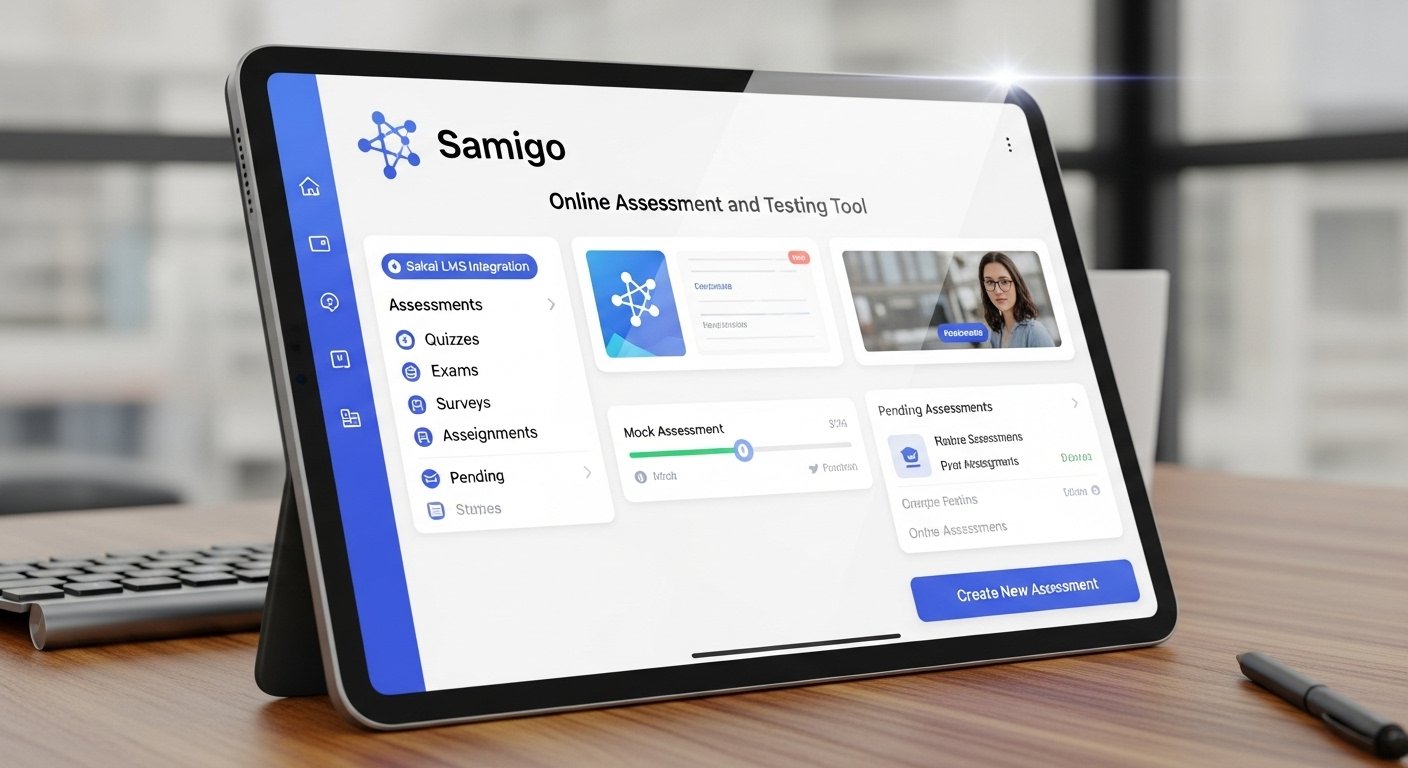
The world of education is rapidly evolving, and technology plays a pivotal role in this transformation. Enter the Samigo app, an innovative online assessment and testing tool seamlessly integrated into the Sakai Learning Management System (LMS). Designed to streamline the evaluation process, Samigo offers educators and students a dynamic platform for creating, administering, and grading assessments. With its robust features tailored for modern learning environments, it empowers instructors to craft engaging quizzes and tests while providing learners with a user-friendly interface. Whether you’re teaching remotely or in-person, understanding how to leverage this powerful tool can significantly enhance your educational experience. Let’s dive deeper into what makes the Samigo app essential for today’s academic landscape.
Benefits of using Samigo for online assessments and testing
Samigo offers a streamlined approach to online assessments that enhances both teaching and learning experiences. Its user-friendly interface allows educators to create, manage, and grade assessments with ease.
Flexibility is another standout benefit. Instructors can customize quizzes and tests according to their specific needs, incorporating various question types such as multiple-choice, essay, or true/false formats. This adaptability ensures that the assessment aligns closely with course objectives.
Additionally, Samigo promotes instant feedback for students. Immediate results help learners understand their performance better and identify areas for improvement quickly.
The tool also supports accessibility features designed to cater to all learners. By ensuring everyone has equal access to resources, Samigo fosters an inclusive educational environment.
Data analytics capabilities provide valuable insights into student performance trends over time. Educators can leverage this information to refine teaching strategies effectively.
How to set up and use Samigo in the Sakai LMS
Setting up the Samigo app in Sakai LMS is straightforward. Begin by logging into your Sakai account. Navigate to the site where you want to enable assessments.
Once there, click on “Site Info” and select “Manage Tools.” From the list, choose Samigo and activate it. This will add a new tool for online assessments directly in your course menu.
To create an assessment, go to the newly added Samigo link. Click “Add Assessment” and fill in essential details like title, instructions, and availability dates. You can easily incorporate different question types such as multiple-choice or essay questions.
After finalizing the content, preview your assessment before publishing it. This ensures everything appears as intended for students. Once ready, simply publish it so learners can access their quizzes seamlessly through Sakai’s interface.
Case studies of universities/organizations using Samigo successfully
Several universities have embraced the Samigo app, showcasing its versatility and effectiveness. For example, the University of Michigan utilized Samigo to streamline their exam process. Faculty members reported increased efficiency in grading and improved student engagement.
Another impressive case is California State University, which integrated Samigo to support remote learning during challenging times. The platform allowed instructors to create varied assessments that catered to diverse learning styles.
Moreover, Southern Utah University leveraged Samigo’s analytics features to track student performance closely. This data-driven approach helped educators identify areas needing improvement and adapt their teaching strategies accordingly.
These examples highlight how institutions are not just adopting technology but enhancing educational outcomes through innovative assessment methods with the help of the Samigo app.
Comparison with other assessment tools
When evaluating the Samigo app, it’s essential to compare it with other assessment tools available on the market. Many platforms like Google Forms and Moodle offer basic functionality for quizzes and exams, but they often lack advanced features.
Samigo stands out due to its seamless integration within the Sakai LMS. This connection allows educators to streamline their workflow without jumping between different applications. Other tools may require additional steps for grading or feedback distribution.
Furthermore, Samigo provides a rich array of question types, including multiple-choice, essays, and adaptive testing options. While some competitors limit question formats or impose restrictions on customization, Samigo offers flexibility that caters to diverse learning needs.
Additionally, reporting capabilities in Samigo are robust. They allow instructors to analyze student performance effectively—something that many alternative tools struggle with comprehensively. This feature ensures data-driven decisions can be made swiftly and accurately.
Future developments for Samigo
The future of the Samigo app looks promising, with several enhancements on the horizon. Developers are focused on improving user experience by streamlining navigation and optimizing performance.
Integration with emerging technologies, like artificial intelligence, could enable more personalized assessments. Imagine an adaptive testing feature that adjusts questions based on real-time student responses.
Furthermore, plans for enhanced analytics tools are underway. These will allow educators to gain deeper insights into learner performance and engagement metrics.
Mobile compatibility is also a key area of growth. As online learning becomes increasingly mobile-centric, ensuring Samigo works seamlessly across devices will be crucial.
Feedback from users plays a vital role in shaping these developments. Continuous improvement driven by community input can lead to innovative features tailored to meet diverse educational needs.
Conclusion
The Samigo app stands out as a powerful online assessment and testing tool within the Sakai LMS. Its rich features, such as varied question types, automatic grading, and comprehensive reporting capabilities make it an ideal choice for educators looking to streamline their assessment processes.
The benefits of using Samigo are numerous. It enhances efficiency by automating many aspects of testing while providing flexibility for instructors to create diverse assessments that cater to different learning styles. Moreover, its integration with Sakai ensures that teachers can easily manage their courses without switching platforms.
Setting up Samigo is straightforward. Educators can access it directly through the Sakai interface, enabling them to create assessments quickly and efficiently. With user-friendly navigation and support resources available, getting started is hassle-free.
Several universities have successfully adopted the Samigo app in their online programs. These case studies highlight improved student engagement and streamlined operations in academic settings, demonstrating how effective this tool can be when integrated into educational frameworks.
When compared with other assessment tools on the market, Samigo holds its own thanks to its feature-rich design tailored specifically for higher education needs. This focus allows institutions using Sakai LMS to benefit from seamless functionality not always found in other applications.
Looking ahead, there are exciting developments planned for the Samigo app that promise enhancements based on user feedback and evolving educational trends. Such advancements aim to further improve usability and expand capabilities within online assessments.
Embracing tools like the Samigo app opens new doors for educators striving for excellence in teaching methodologies while effectively measuring student progress through innovative technological solutions.