
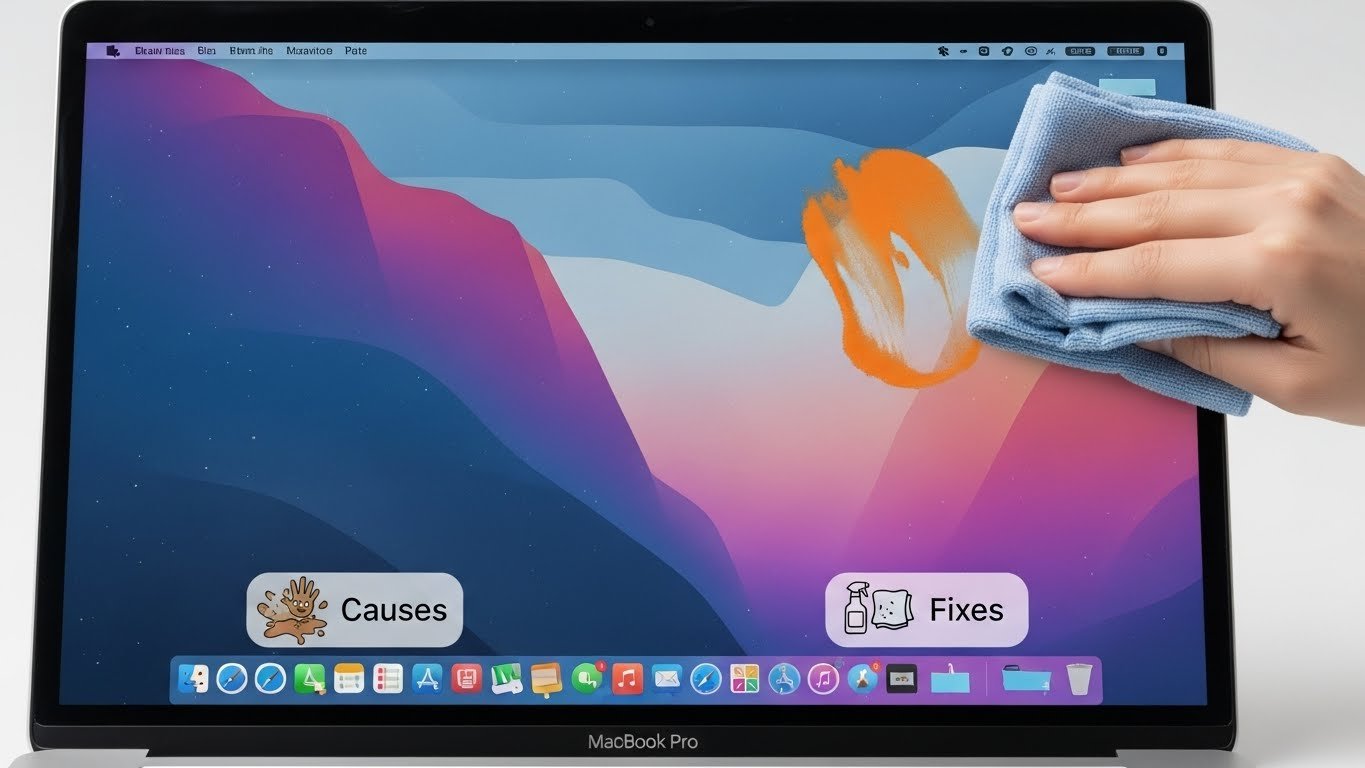
Have you ever noticed an orange smudge on your MacBook Pro screen? It can be frustrating, especially when you’re trying to enjoy your favorite movie or tackle an important project. This peculiar discoloration not only distracts from your tasks but might also signal underlying issues with your device. If you’ve found yourself puzzled by this unwanted visual nuisance, you’re not alone. Many users encounter similar problems that can stem from various causes.
But fear not! In this guide, we’ll explore the reasons behind that pesky orange mark and provide practical solutions to restore clarity to your screen. Whether it’s a simple DIY fix or professional help you need, we’ve got you covered—so let’s dive into the world of MacBook Pro screens and banish those orange smudges for good!
What is the Orange Smudge on MacBook Pro Screen?
The orange smudge on your MacBook Pro screen is an unsettling sight. It often appears as a discolored patch that can vary in size and intensity. This visual disruption can be particularly annoying while working or watching videos.
Typically, the smudge results from pressure applied to the screen or damage to the display’s layers. The MacBook displays utilize multiple components, including protective glass and liquid crystal displays, which are sensitive to impact and heat.
In some cases, it may also signify issues with internal components or even manufacturing defects. Over time, these factors contribute to discoloration that manifests as those frustrating orange spots.
Identifying the origin of this issue is key for effective resolution. Understanding what you’re dealing with goes a long way toward restoring your device’s pristine condition.
Common Causes of Orange Smudge
The orange smudge on your MacBook Pro screen can be quite alarming. Understanding what causes it is crucial for addressing the issue effectively.
One common culprit is heat exposure. If your laptop overheats, it may affect the adhesive used in the display assembly, leading to discoloration or smudges appearing over time.
Another factor is pressure damage. Carrying your device in a crowded bag or placing heavy objects on top of it might press against the screen, causing an unsightly mark.
Additionally, moisture intrusion can play a role. Even tiny amounts of liquid seeping inside could create spots that manifest as orange stains after drying.
Age-related wear and tear can’t be ignored. Over time, components degrade due to prolonged usage and environmental factors, resulting in various visual anomalies including unwanted smudges.
How to Prevent the Orange Smudge
Preventing the orange smudge on your MacBook Pro screen starts with careful handling. Always use a microfiber cloth to clean your device. This reduces the risk of scratches and maintains clarity.
Consider using a protective keyboard cover. Dust and oils from your fingers can transfer onto the screen when it folds down, leading to those pesky marks.
Avoid eating or drinking near your laptop. Spills or crumbs can contribute to unwanted stains or residue that may cause discoloration over time.
Store your MacBook in a padded sleeve when not in use. This extra layer of protection prevents contact with surfaces that might leave smudges behind.
Regulate temperature and humidity where you keep your laptop. Extreme conditions can exacerbate issues like display damage, increasing the likelihood of unsightly marks appearing on your screen.
DIY Fixes for the Orange Smudge
Addressing an orange smudge on your MacBook Pro screen can be a straightforward process. Start by gathering supplies like microfiber cloths, distilled water, and isopropyl alcohol.
Begin with a gentle clean. Dampen the microfiber cloth with a mixture of equal parts distilled water and isopropyl alcohol. Avoid using rough materials; they may scratch the screen.
Gently wipe the affected area in circular motions. This method helps lift any residue without spreading it further.
If the smudge persists, try creating a paste from baking soda and water. Apply it carefully to the stain using another soft cloth, then rinse off gently after a few minutes.
Always ensure that no moisture seeps into openings around the screen while cleaning to prevent internal damage. Regularly checking for buildup can save you from larger issues later on.
Professional Solutions for the Orange Smudge
If DIY fixes don’t resolve the orange smudge on your MacBook Pro screen, professional help might be necessary. A certified technician can provide a thorough assessment of the issue.
They have specialized tools and knowledge to diagnose underlying problems that may not be visible to the untrained eye. Sometimes, the smudge could indicate deeper hardware issues or screen damage that requires replacement.
Seek out an Apple Authorized Service Provider for reliable service. These experts use genuine parts and follow Apple’s protocols, ensuring quality repairs.
Before handing over your device, ask about their warranty policy on repairs. This offers peace of mind should any related issues arise later.
Professional cleaning services are also available if you suspect buildup rather than damage. They employ safe techniques tailored specifically for electronic screens, helping restore clarity without risking harm to components.
Maintaining a Clean Screen
Keeping your MacBook Pro screen clean is essential for both visibility and longevity. Regular maintenance can prevent the buildup of dirt, oils, and smudges that obscure your view.
Start with a microfiber cloth specifically designed for electronics. These are gentle yet effective at removing fingerprints without scratching the surface.
For tougher stains, slightly dampen the cloth with water or a screen-safe cleaner. Avoid using household cleaners, as they can damage the display.
Make it a habit to wipe down your screen weekly. This small effort can make a significant difference in maintaining clarity.
Be mindful not to press too hard while cleaning; light pressure is usually sufficient. Additionally, ensure you’re cleaning when the device is turned off to avoid any potential damage from accidental clicks or touches.
Creating an environment free from dust and minimizing food or drink near your laptop also helps keep things tidy longer.
Conclusion
Dealing with an orange smudge on your MacBook Pro screen can be frustrating. Understanding what causes this issue is crucial for effective resolution. Regular maintenance and proper handling of your device can help prevent these unsightly marks from appearing in the first place.
If you find yourself facing a persistent orange smudge, consider trying some DIY fixes before seeking professional assistance. Simple cleaning methods or adjustments might do the trick. If those efforts don’t yield results, don’t hesitate to seek help from certified technicians who can offer expert solutions.
Keeping your screen clean not only enhances visibility but also prolongs the life of your MacBook Pro. A little attention goes a long way in maintaining its pristine condition and ensuring an optimal user experience.
Addressing any display issues promptly will keep your device functioning smoothly. Whether you’re working on important tasks or enjoying entertainment, a clear screen makes all the difference in how you interact with technology every day.